
The payoff. AI answers from your data, so it can only be as reliable as the layers below it. Getting those right comes first, then who can see what.
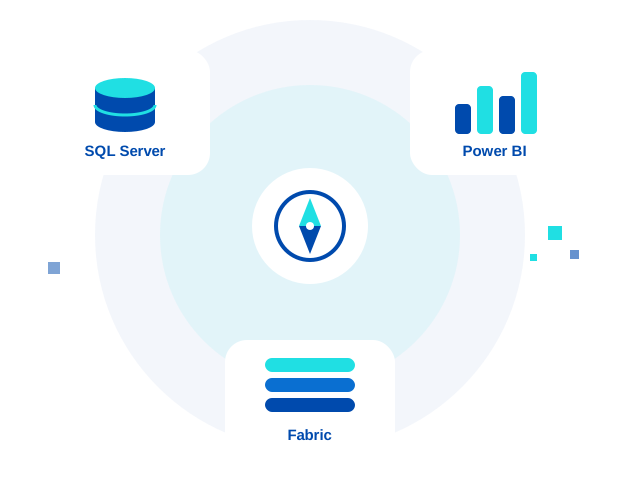

AI stands on your data platform
Copilot and other AI tools are only as good as the data and models beneath them. Each layer is a service we run, and each one makes the next more reliable.
Tap a layer to see why it matters.
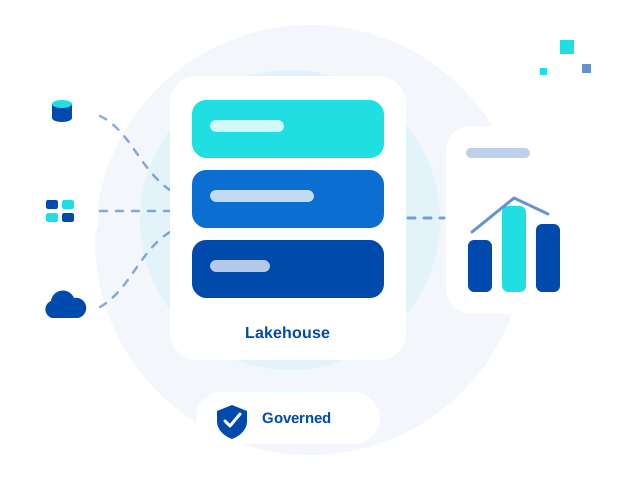
See all servicesWithout it, the same question can get different answers depending on which report or spreadsheet is read, and AI can end up reading conflicting versions of the same number.
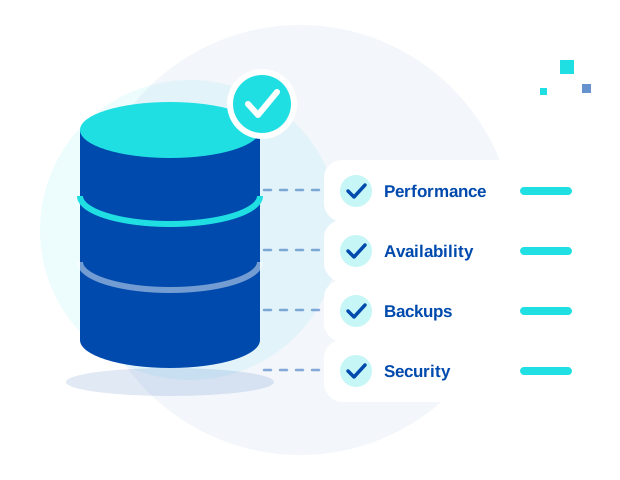
Without it, slow, unsupported, or poorly backed-up databases feed their problems upward into every report and every AI answer.
Which sounds like you?
Pick the one closest to your situation and we'll point you to the right place.
You're on SQL Server 2016 or older, which is out of extended supportSee your options
Nobody on your team owns the databases full-time, or your DBA is leavingSee Managed DBA support
Reports take too long to produce, or nobody trusts the numbersSee Power BI analytics
You use Power BI and aren't sure whether Fabric is worth the moveSee the Fabric Assessment
Pipelines or refreshes fail and nobody owns fixing themSee Managed Fabric
Leadership wants Copilot or AI, and you're not sure your data is readySee Governance & AI Readiness
Sound familiar?
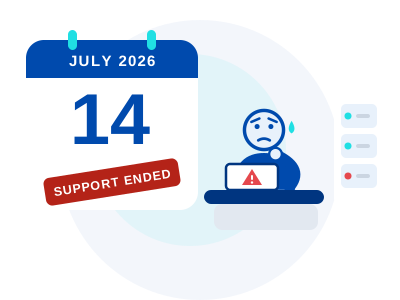
The support date has passed, and nobody has decided what happens next.
Your SQL Server 2016 servers are still running work the business depends on, and the pressure is building. You don't need a scare. You need the real options and what each one takes.
Sound familiar?
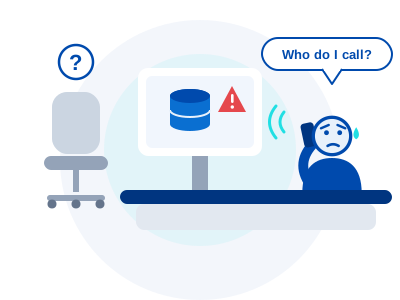
If something breaks at 2 a.m., who do you call?
The databases keep the business running, but nobody's full-time job is to watch them. Backups, patches, and slow queries get attention when there's a gap, and there rarely is one.
Sound familiar?
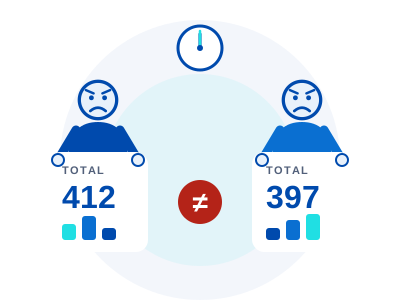
Two reports, two different totals, and a meeting in ten minutes.
When nobody trusts the numbers, meetings turn into arguments about whose spreadsheet is right. The way out is one well-modeled source that everyone reads the same way.
Sound familiar?
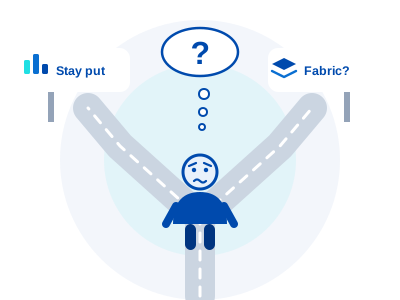
Everyone says Fabric is the future. Is it right for you, and when?
You already use Power BI, and you don't want to move because of hype or a sales call. A short assessment gives you an architecture plan, a capacity and cost estimate, and a phased roadmap, so you decide with facts.
Sound familiar?
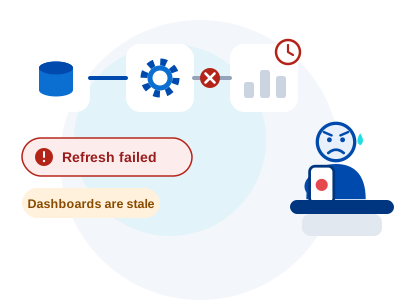
The refresh failed again, and nobody knows whose job it is to fix it.
Dashboards go stale, someone re-runs a pipeline by hand, and everyone hopes it holds. Managed Fabric puts someone on watching it and fixing it.
Sound familiar?
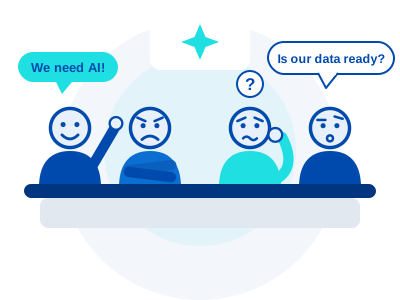
Leadership wants Copilot. You're not sure the data is ready.
It can feel like a few people in a room, all talking about AI, none of them sure what is safe to switch on. Before AI can help, you need to know who has access to what, what's sensitive, and whether the data is good.
None of these? Tell us what you're facing.
Two ways to start
Both are time-boxed reviews that end with a clear, prioritized plan, so you know where you stand before committing to larger work.
What SQL Server version do you run?
Pick yours to see its support status, the key dates, and a sensible next step.
Choose your version to see where it stands.
Out of support
SQL Server 2012 or older
Extended support has already ended.
Microsoft no longer provides regular security updates for these versions, so moving to a supported version is the priority. A Health Check shows what is running and what depends on it.
Out of support
SQL Server 2014
Extended support ended July 9, 2024.
Paid Extended Security Updates run through July 2027, and moving to an Azure virtual machine gets them at no extra charge. Either is a bridge, so decide when you will leave.
Out of support
SQL Server 2016
Extended support ended July 14, 2026.
Paid Extended Security Updates are available for up to three years. They cover Critical-rated security fixes only. Our guide compares upgrading, moving to Azure, and buying them.
Extended support
SQL Server 2017
Extended support ends October 12, 2027.
Mainstream support ended October 11, 2022, so only security updates remain. Upgrades take time, so it pays to plan well before the date.
Extended support
SQL Server 2019
Extended support ends January 8, 2030.
Mainstream support ended February 28, 2025, so only security updates remain. There is time, and a Health Check now shows what to fix and what to plan for.
Mainstream support
SQL Server 2022
Mainstream support to January 11, 2028; extended to January 11, 2033.
You are well inside Microsoft's support window. A Health Check can still catch performance, backup, and security gaps before they cause trouble.
Current release
SQL Server 2025
Generally available November 18, 2025.
Mainstream support runs to January 2031 and extended support to January 2036. If you run SSRS reports, read what Microsoft announced for this release.
Not sure?
Find your version
It takes one query.
In SQL Server Management Studio, run SELECT @@VERSION; and read the first line. The checklist lists the dates for every version from 2014 to 2025, or we can find out for you.
Dates are as published on Microsoft's lifecycle pages. Last reviewed October 25, 2026. See the full table and sources.
Free guides and checklists
Plain-language help for the decisions we see most, checked against Microsoft's own information. No sign-up needed.
Checklist
SQL Server end-of-support checklist
Support dates for SQL Server 2014 through 2025, and a step-by-step checklist to work through.
GuideSQL Server 2016: your options
Upgrade, move to Azure, or buy Extended Security Updates, and what to watch for in each.
GuideSSRS and SQL Server 2025
What Microsoft announced and how to decide what to migrate, convert, or retire.
Why Ardentech
One team
SQL Server, Power BI, and Fabric under one team, so problems don't get passed between providers.
Responsive support
Managed clients get a response within 3–4 business hours, Monday to Friday, 9 AM to 6 PM Eastern, with after-hours coverage by agreement. New inquiries hear back within one business day.
15 years combined
15 years of combined team experience across SQL Server, Power BI, and Microsoft Fabric.
Complete Care: one plan for the whole platform
Complete Care puts SQL Server, Power BI, and Fabric under one monthly plan, with one person accountable for the whole picture, so nothing falls between providers.
Learn more about Complete Care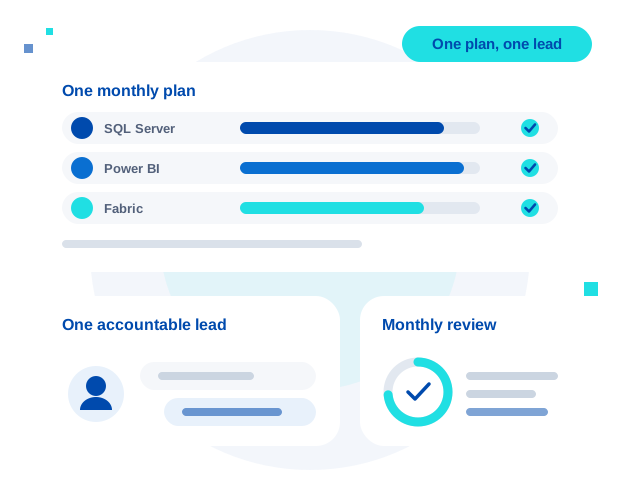
Before AI touches your data, check who can see it
AI tools can only use what they can reach, so it matters who has access to what. Our Governance & AI Readiness work reviews access, finds and labels sensitive data with Microsoft Purview (Microsoft's data governance service), and checks data quality, so your data is ready before Copilot (Microsoft's AI assistant) goes live.
Learn about Governance & AI Readiness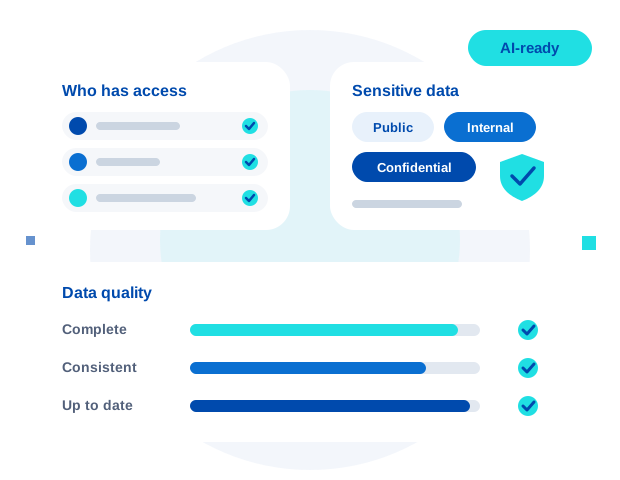
We work where your data lives
On your own servers, in Azure, and across Power BI and Fabric.
- SQL Server on-premisesOn your own servers, current and older versions
- SQL Server on AzureIn Azure virtual machines
- Azure SQLIncluding Managed Instance
- Power BI and FabricReports, models, and the Fabric platform
Let's talk about your SQL Server, Power BI, and Fabric environment.
No pressure, no sales pitch — just a real conversation about what's next.
Contact Us